Plan & Schedule Instagram Stories

Visually plan and schedule Instagram stories right from your desktop with Hopper HQ.

Hopper HQ auto-publishes your story at the scheduled time. No phone, no app, no interruption to your day. Stories go live exactly when you set them.
Thank you! Your submission has been received!
Oops! Something went wrong.
14 Day Free Trial
Teammates free
Unlimited posts
Hopper HQ Social Media Posts
Plus icon
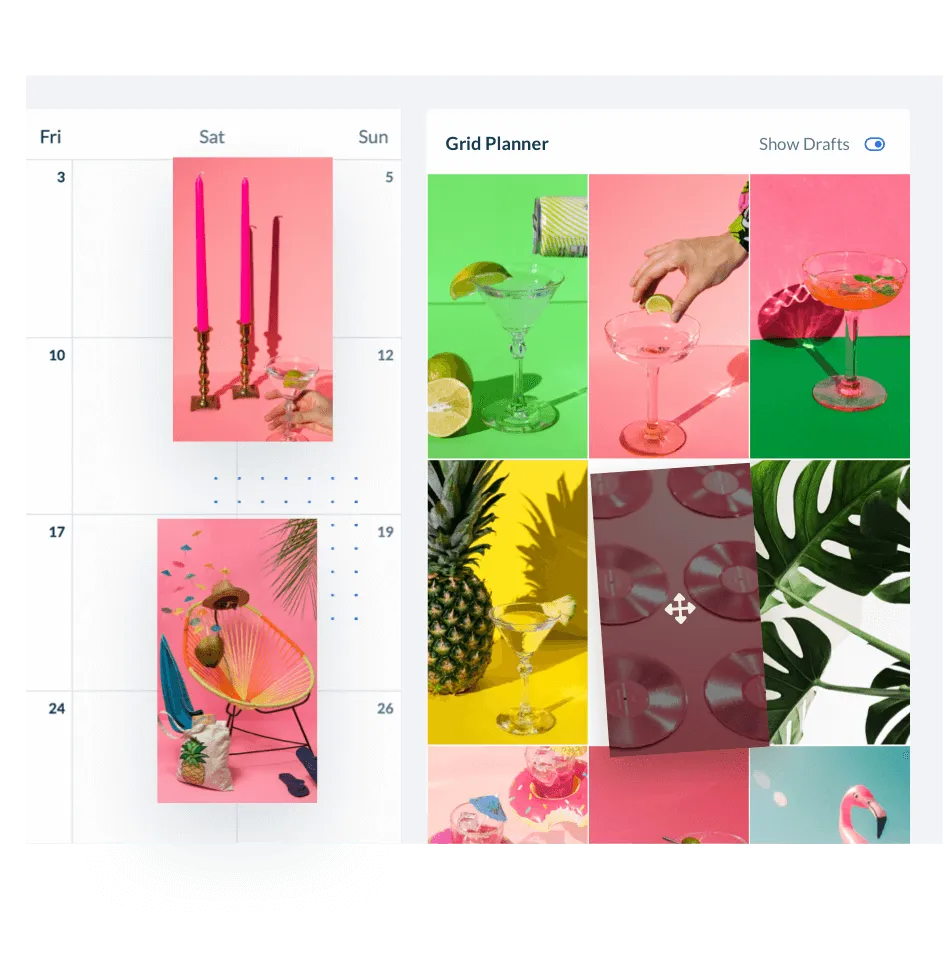
Hopper HQ grid planner for instagram stories

Save time by scheduling your stories in advance

Creating Instagram Stories consistently is one of the biggest time drains in social media management — especially when you're doing it live, one story at a time. Hopper HQ lets you batch-upload and schedule a week's worth of Stories in a single session from your desktop.
  • Bulk upload your stories & create more content in less time.

  • Drag n’ drop to rearrange how your stories are posted.

  • Stay consistent and plan your stories ahead of time.

  • Keep all your stories content in one place.

Schedule Instagram Stories Now

Create swipe-stopping Instagram stories

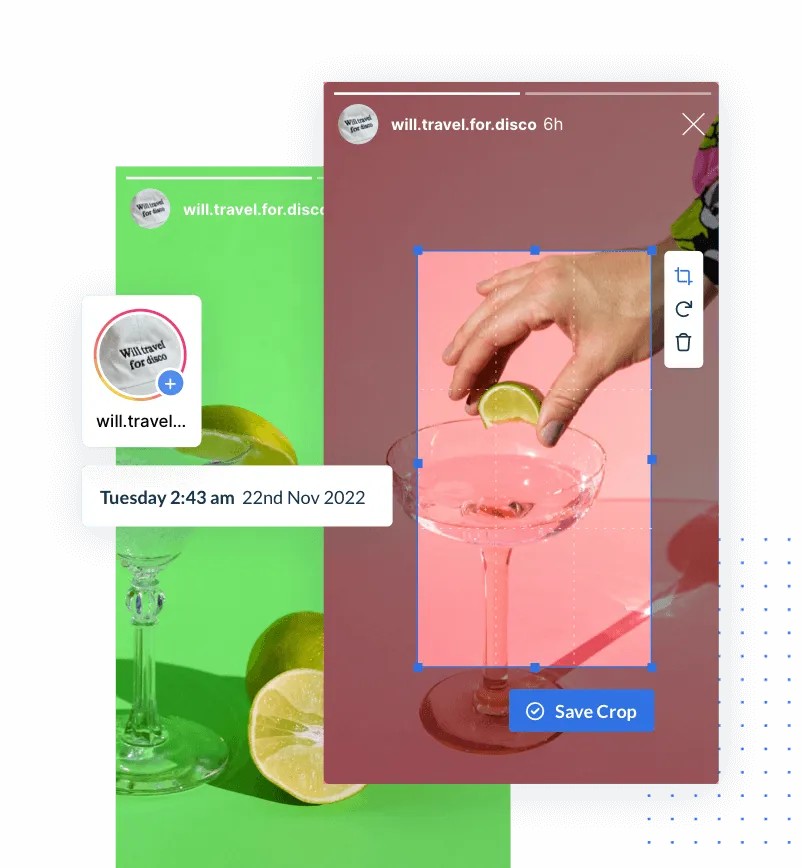
A great Story doesn't just happen — it's planned. Hopper HQ gives you the tools to crop and resize your visuals to the exact 9:16 Story format, add filters, text overlays, and stickers, and preview everything before it's scheduled.

You can also use Hopper HQ's analytics to find the optimal posting time for your audience, so your Stories land when engagement is highest.
  • Get more views by planning, optimizing, and scheduling your stories.

  • Crop and resize photos and videos to fit the Instagram story size.

  • Find the best time to post your stories for maximum engagement.
Schedule Instagram Stories Now
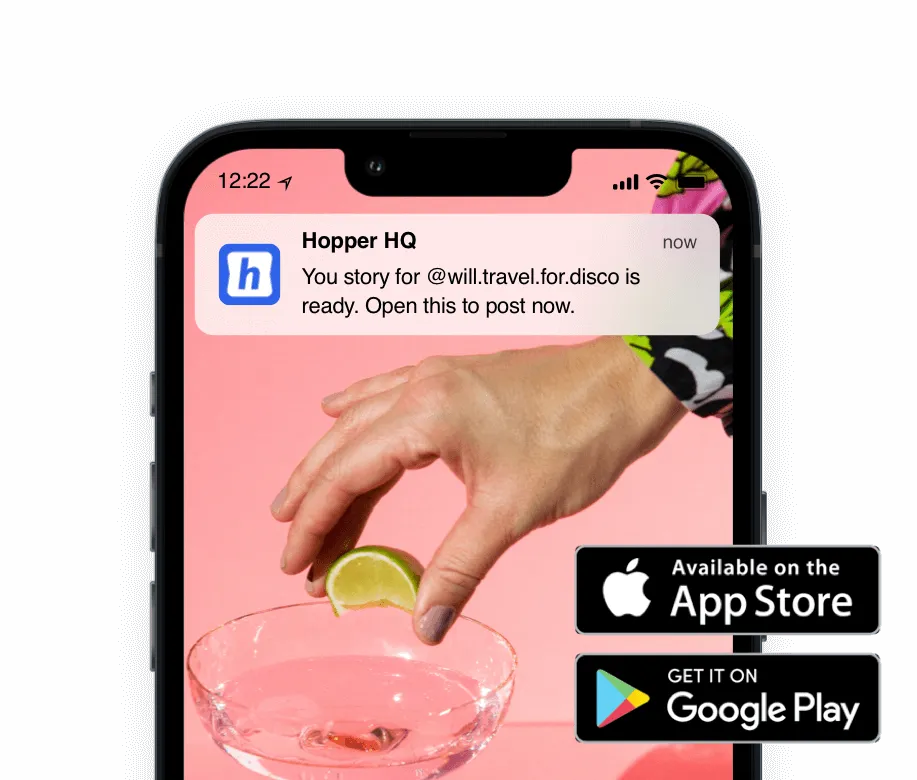
Stories pushing notifications

How to Schedule Instagram Stories in 4 Steps

1. Upload
Create stories from your desktop. Upload photos or videos from Dropbox, Google Drive, Unsplash, and more.
2. Edit
Crop and edit photos. Add filters, text or stickers. Get your stories Instagram-ready in seconds.
3. Schedule
Find the best time to post for your account. Then schedule your story to one or multiple accounts.
4. Publish
Download our mobile app and Hopper HQ will send you a notification when it's time to post.
MAKING YOUR LIFE EASIER

"The best thing we ever did for our social media posts. Great tool, totally streamlines our social media posting, all in one place, saves us time and money."


 Rated #1 for ease of use on Capterra.
Hopper HQ customer logos